

Overlay Gallery
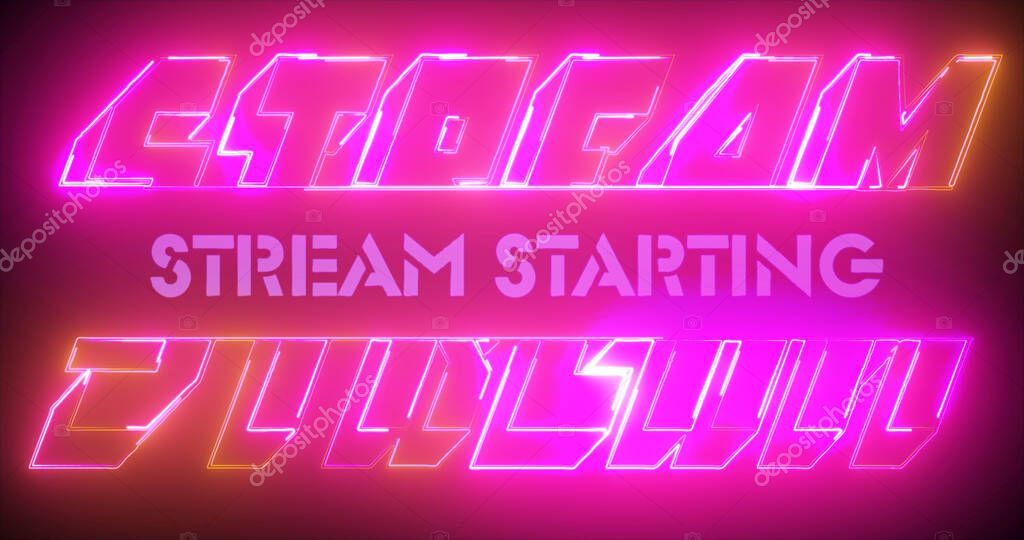
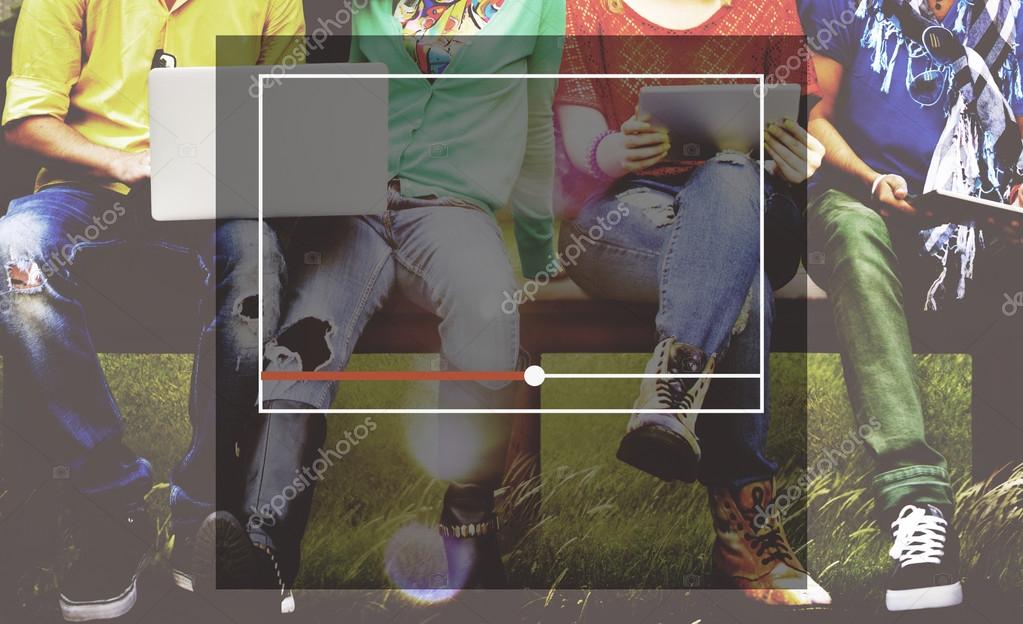

How These Overlays Come Together
From idea to on-stream polish, every overlay starts with a moodboard and a purpose. I define goals (readability, vibe, screen space), collect references, then iterate.
Steps I follow
Color palettes
I balance one strong accent (#24BDDF) with deep blues (#134369) and neutral grays for readability. Contrast and motion stay subtle so gameplay remains the focus.
Steps I follow
- Moodboard & keywords — tone, energy, genre.
- Wireframe — place cam, chat, events, and alerts.
- Color & type — readable combos and accent colors.
- Prototype in OBS — test spacing and legibility.
- Iterate — trim clutter, align, and animate lightly.
Color palettes
I balance one strong accent (#24BDDF) with deep blues (#134369) and neutral grays for readability. Contrast and motion stay subtle so gameplay remains the focus.

Tools I Use
Core stack
Plugins & helpers
Workflow
Design → prototype in OBS → live test → refine spacing → ship and document settings.
- OBS Studio — scenes, filters, and transitions.
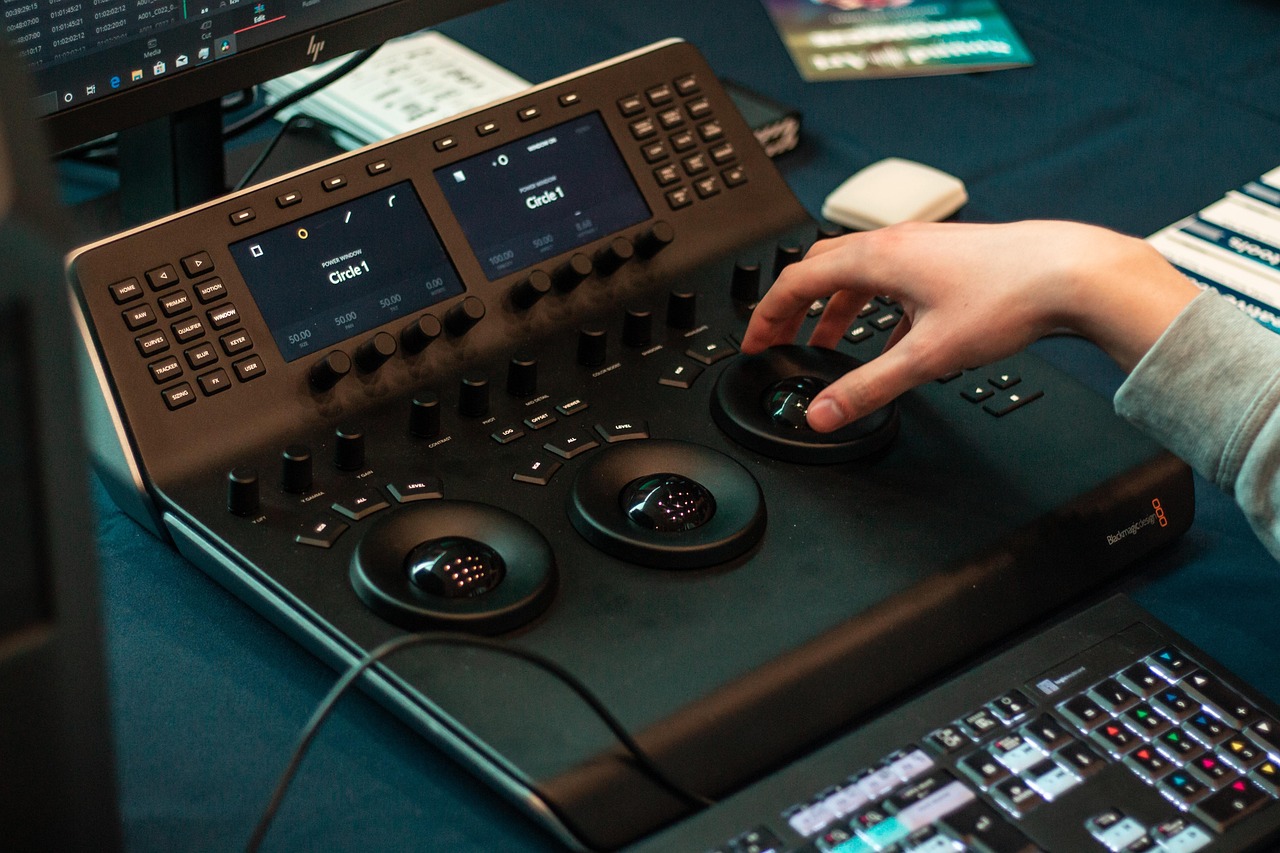
- DaVinci Resolve — animations and renders.
- Figma — layout, spacing, and iteration.
- Photoshop — textures, masks, export presets.
Plugins & helpers
- StreamElements/Streamlabs for alerts.
- OBS WebSocket + scripts for triggers.
- Stream Avatars for chat engagement.
Workflow
Design → prototype in OBS → live test → refine spacing → ship and document settings.


Downloads and Resources
Looking for overlays? Public packs are released occasionally with setup notes and font info. If there’s no current pack, you can still request one tailored to your game or brand.
What’s included
Scenes (Starting Soon, BRB, Ending), in‑game HUD, alerts style, and a simple color guide. Personal/non‑commercial use unless otherwise noted.
Tip: Check the blog for the latest pack announcements.
What’s included
Scenes (Starting Soon, BRB, Ending), in‑game HUD, alerts style, and a simple color guide. Personal/non‑commercial use unless otherwise noted.
Tip: Check the blog for the latest pack announcements.